
You’ve got a site plan, a few hundred metres (or a few kilometres) between buildings, and a quote that just says “OFC”. Before you place the order, there’s one question that decides almost everything else: single-mode vs multimode fiber cable?
Pick wrong, and you won’t know on day one. The link will light up. The problem shows up two years later, when someone wants to upgrade cameras to 4K, add a 10G uplink, or extend the run to a new shed at the other end of the plant.
Here’s the short answer, then the reasoning behind it.
Quick verdict: single mode or multimode?
Choose single mode (OS2) if:
- Any run is longer than about 400-500 metres, or might become that long later
- You’re linking buildings, poles, or sites (campus backbone, smart city, CCTV across a large plant)
- You want one cable that will still work when you move from 1G to 10G and beyond
- The cable is going underground or overhead, where pulling it again is expensive
Choose multimode (OM3 or OM4) if:
- Every run stays inside one building or one data centre hall, under roughly 300-400 metres
- You’re connecting switches rack-to-rack or floor-to-floor at 10G and want cheaper optics
- Your equipment already uses multimode SFPs and you’re extending an existing multimode network
If you’re still unsure, default to single mode. For outdoor and inter-building work in India, that’s what most new projects use, and the cable itself usually costs less per metre than multimode.
Need both types for one project? AE Connect manufactures single mode and multimode optical fiber cable, so you can source the backbone and the in-building runs from one supplier.
Single mode vs multimode fiber at a glance
| Factor | Single mode (OS2) | Multimode (OM3 / OM4) |
| Core diameter | 9 µm | 50 µm |
| Light source | Laser, 1310 nm / 1550 nm | VCSEL or LED, 850 nm |
| Typical reach at 10G | 10 km (40 km+ with long-reach optics) | 300 m (OM3), 400 m (OM4) |
| Attenuation | ~0.36 dB/km at 1310 nm | ~3.0 dB/km at 850 nm |
| Cable cost per metre | Lower | Higher |
| Transceiver (SFP) cost | Higher | Lower |
| Jacket colour (TIA-598) | Yellow | Aqua (OM3/OM4), orange (OM1/OM2) |
| Best for | Outdoor, inter-building, long runs, telecom | Inside a building or data centre |
The row that trips people up is cost. The single mode cable is the cheaper one. The single mode system is often the costlier one, because its lasers cost more than multimode optics. More on that below.
What’s actually different between single mode and multimode fiber?
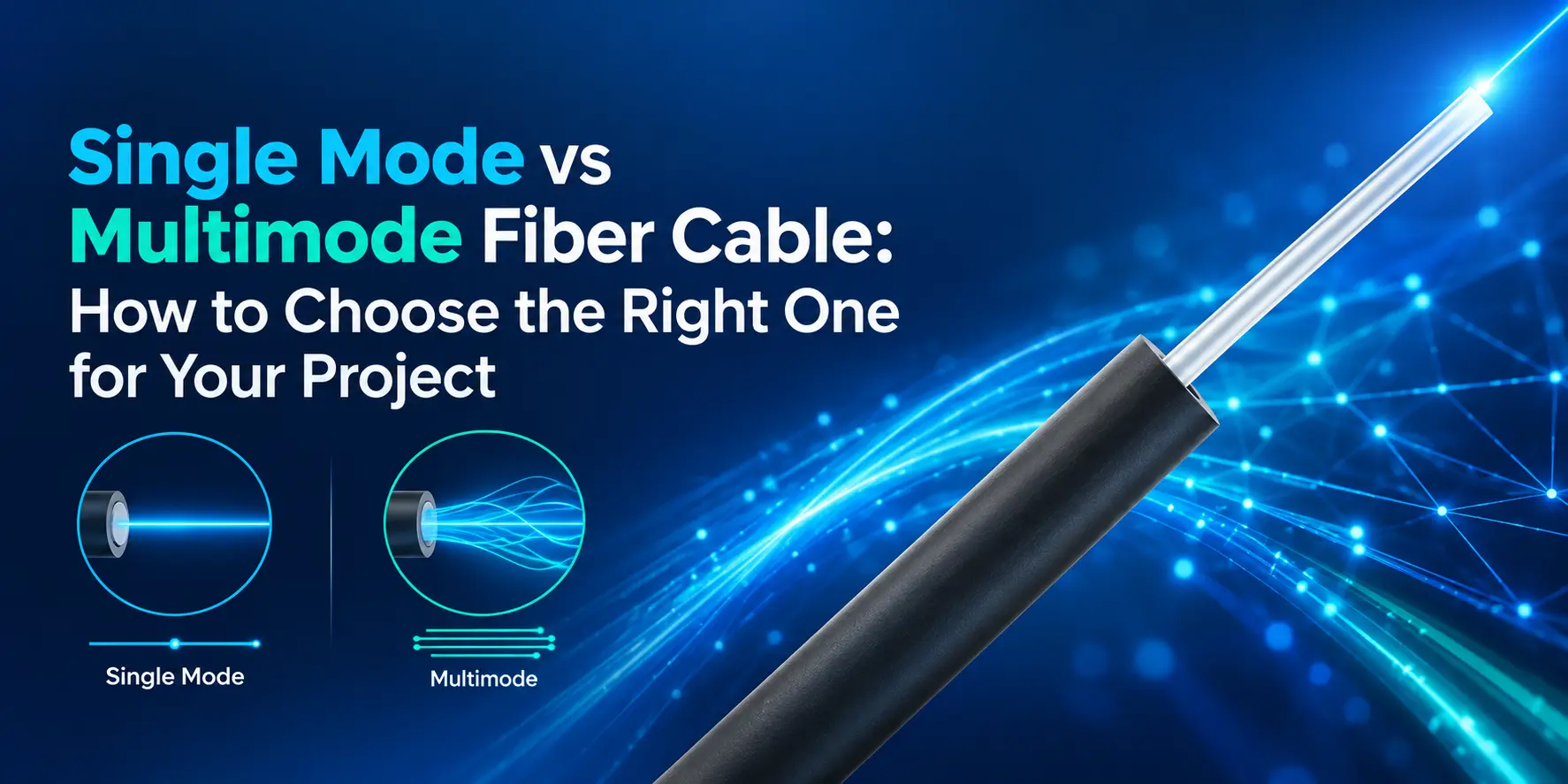
The difference is the width of the glass core that carries the light. Single mode fiber has a core of about 9 microns, so light travels down it in one straight path. Multimode fiber has a 50 micron core, wide enough for light to bounce along many paths at once. Both have the same 125 micron outer cladding, which is why they look identical once jacketed.
Think of it like a road. Single mode is a narrow single-lane expressway: one car, no overtaking, so it can keep going for kilometres without the traffic getting messy. Multimode is a wide city road where cars take slightly different routes. Over a short trip they all arrive together. Over a long trip, some arrive late, and the signal smears. Engineers call this modal dispersion, and it’s the reason multimode runs out of distance.
That one physical difference drives everything else:
- Light source. A 9 micron core needs a precise laser. A 50 micron core can be fed by a cheaper VCSEL, a small laser that’s easy to mass-produce.
- Distance and speed. One clean light path means single mode can carry high speeds much further.
- Connectors and SFPs. They’re specific to the fiber type. A single mode SFP on multimode cable (or the reverse) will either not link or link badly.
If you want to go deeper on the optics side, our guide on understanding SFP modules for fibre networks covers how module type, wavelength and reach fit together.
Single mode vs multimode: head-to-head
Distance: single mode wins, and it isn’t close
Single mode fiber routinely runs 10 km to 80 km between active equipment, depending on the optics you use. Multimode is designed for runs of a few hundred metres: at 10 Gbps, OM3 is rated to 300 m and OM4 to 400 m.
For most Indian industrial and CCTV projects, this single factor settles it. In a large plant, the run from the main gate to the control room can easily cross 600–900 m. A highway or city camera chain runs for kilometres. Multimode simply can’t do those runs at modern speeds.
Bandwidth and speed: single mode for the long haul, multimode is fine up close
Within 100–150 m, multimode handles 40G and 100G using parallel optics, which is why data centres still use it heavily. Beyond that distance, its usable bandwidth drops fast. Single mode has no practical bandwidth ceiling for the distances you’ll deal with; what limits it is the transceiver at each end, not the glass.
Cost: depends on whether you count the cable or the whole link
This is where most buying decisions go wrong. Look at cable alone and single mode is the cheaper option per metre. Look at the full link and the picture flips, because single mode optics need precise lasers. ICC estimates a single mode system can cost around five times a multimode one, almost entirely because of transceivers.
That gap matters most when you have many short links, such as 48 ports of switch-to-server cabling in a server room. It matters far less for a CCTV or industrial backbone with a handful of long uplinks. There, you might buy 4–8 SFPs and 2 km of cable, so the cable and the labour to lay it are most of the bill. Single mode prices for 1G and 10G SFPs have also come down a lot over the last few years, which narrows the gap further.
One rule of thumb that works well: count your links, then count your metres. Few links and long metres point to single mode. Many links and short metres point to multimode.
Upgrade path: single mode is safer for anything outdoors
The glass you bury today will probably outlive two or three generations of switches. A single mode cable laid for 1G CCTV uplinks can carry 10G, 25G or 100G later just by changing the SFPs. A multimode run that was fine at 1G might fall short once you move to 10G or higher over the same distance.
Inside a building, re-pulling cable is annoying but doable. Underground, in HDPE duct along a road or across a plant yard, it means digging, permissions and downtime. That’s why we suggest single mode for anything outside walls, even when today’s distance would technically allow multimode.
OS2 vs OM3 vs OM4: which grade should you buy?
Once you’ve picked single mode or multimode, there’s a grade to choose. For new projects, the realistic options are OS2, OM3 and OM4. OM1 and OM2 are legacy grades; you’ll only meet them when extending an old network.
| Grade | Type | Jacket colour | 10G reach | 40G / 100G (SR4) reach | Use it for |
| OS2 (ITU-T G.652D) | Single mode | Yellow | 10 km+ | 10 km+ with LR4 optics | Backbones, outdoor, inter-building, CCTV and smart city |
| OM4 | Multimode | Aqua (sometimes violet) | 400 m | 150 m / 100 m | Data centres and server rooms planning for 40G/100G |
| OM3 | Multimode | Aqua | 300 m | 100 m / 70 m | In-building 10G links on a budget |
Our take: if you’re choosing multimode for a new installation, OM4 is usually worth the small premium over OM3. The extra reach at 10G gives you breathing room, and it supports 40G/100G over longer distances. Pick OM3 only when every run is short and the budget is tight.
For single mode, look for G.652D fiber specified on the datasheet. It’s the standard grade for telecom and enterprise use in India, and it works with the 1310 nm and 1550 nm optics you’ll find in any standard SFP.
Which fiber for your project? Real-world use cases
CCTV and surveillance across a large site
Use single mode. A typical setup has cameras grouped around a PoE switch at the edge, with a fiber uplink back to the NVR room. Those uplinks are often hundreds of metres to a few kilometres long, and camera counts (and resolutions) only go up over time. Single mode handles both without a re-pull.
If your edge switch has copper ports only, a fiber media converter bridges the gap. Just make sure the converter’s fiber port matches your cable type.
For a full camera-to-NVR design, see our IP surveillance solutions.
Industrial plants and factories
Use single mode for the backbone, and armoured cable outdoors. Plant networks connect control rooms, production halls, warehouses and utility areas, often spread across a big campus. Runs are long, cable paths share trays with power lines, and the environment is dusty or hot. Fiber is immune to electrical interference, and single mode covers the distances.
At the panel end, a DIN rail fibre enclosure keeps terminations tidy inside control cabinets, and an industrial switch with SFP slots handles the harsh conditions.
More on plant-floor network design in industrial automation networking.
Smart city and highway projects
Use single mode, no exceptions. Traffic cameras, ANPR, signal controllers and Wi-Fi poles are spread over kilometres. Multimode isn’t an option at these distances. Plan fiber counts generously, because adding cores later means new cable.
Our smart city networking and fiber backbone infrastructure pages cover how these networks are typically laid out.
Data centres and server rooms
Multimode (OM4) often makes sense here. Links are short, port counts are high, and cheaper multimode optics add up to real savings across hundreds of ports. Many newer data centres are moving to single mode for future 400G and beyond, so if you’re building fresh and expect very high speeds, compare both.
Enterprise campus and multi-building offices
Single mode between buildings, either type within a building. A common and economical approach is single mode for the campus backbone and multimode for floor-to-floor risers. Just keep the two types separate and label them clearly at every LIU.
Mistakes we see when people choose fiber
Mixing single mode and multimode in one link. The 50 micron multimode core doesn’t line up with the 9 micron single mode core, so most of the light is lost at the joint. The link either fails or drops packets under load. If two segments must meet, use active equipment (a switch or media converter) between them, not a patch cord.
Buying the cable first and the SFPs later. The cable type locks in the optics. It’s easy to end up with multimode cable in the ground and switches that shipped with single mode SFPs (or the other way round). Check what your switches and converters support before ordering cable.
Choosing by today’s distance only. A 250 m run between two buildings works on multimode at 10G today. But if the client later wants that link at 40G, OM3 tops out around 100 m. Single mode would have handled it with an optics swap.
Ignoring jacket colour when labelling. Yellow for single mode and aqua for OM3/OM4 isn’t decoration. It’s how the next technician knows which patch cords and SFPs to grab. Keep patch cords colour-matched to the backbone and label both ends at the LIU.
Not planning spare cores. The cable is cheap compared to the cost of digging. Order more fiber cores than you need today; 12 or 24 core cable for a backbone that needs 4 cores now is normal practice.
Our recommendation
For most projects our customers run (CCTV networks, factories, smart city and campus backbones) single mode OS2 is the right call. It covers the distance, it costs less per metre, and it won’t hold you back when speeds go up. Multimode OM4 earns its place inside data centres and server rooms, where runs are short and you’re buying optics by the dozen.
When in doubt, ask two questions. How long is the longest run, today and in five years? And how many links will you light up? The answers will point you to the right cable.
AE Connect manufactures single mode and multimode (OM3 and OM4) optical fiber cable in Gujarat, along with the LIUs, enclosures, media converters and switches that complete the link. Share your site layout and distances with our team, and we’ll help you pick the right fiber type, core count and construction for the job. Contact AE Connect for a quote.
FAQs: single mode vs multimode fiber cable
Can I use single mode SFPs on multimode cable?
Not as a general practice. Some 1G single mode (LX) modules can work over short multimode runs with a mode-conditioning patch cord, but it’s a workaround with extra loss and extra parts. Match the SFP to the cable type.
Which is cheaper, single mode or multimode fiber?
Single mode cable is cheaper per metre. Single mode transceivers cost more. For a few long links (typical in CCTV and industrial backbones), single mode usually works out cheaper overall. For many short links in a server room, multimode optics often bring the total down.
How far can multimode fiber go?
At 1 Gbps, OM3 and OM4 reach about 550 m. At 10 Gbps, OM3 reaches 300 m and OM4 reaches 400 m. At 40G and 100G, the reach drops to 70–150 m depending on grade.
How do I tell single mode and multimode cable apart?
Check the jacket colour and the print on the sheath. Single mode is usually yellow and printed with “SM”, “9/125” or “G.652D”. Multimode OM3/OM4 is aqua and printed “50/125” with the OM grade. Outdoor and armoured cables are often black, so rely on the printed marking there.
Is single mode better than multimode?
For distance and future upgrades, yes. For short, high-port-count links where optics cost matters, multimode can be the better value. It depends on how long your runs are and how many of them you have.
Can single mode and multimode fiber be spliced together?
Physically you can fuse them, but the link won’t perform. Most of the light is lost where the 50 micron core meets the 9 micron core. Use a switch or media converter between the two networks instead.