
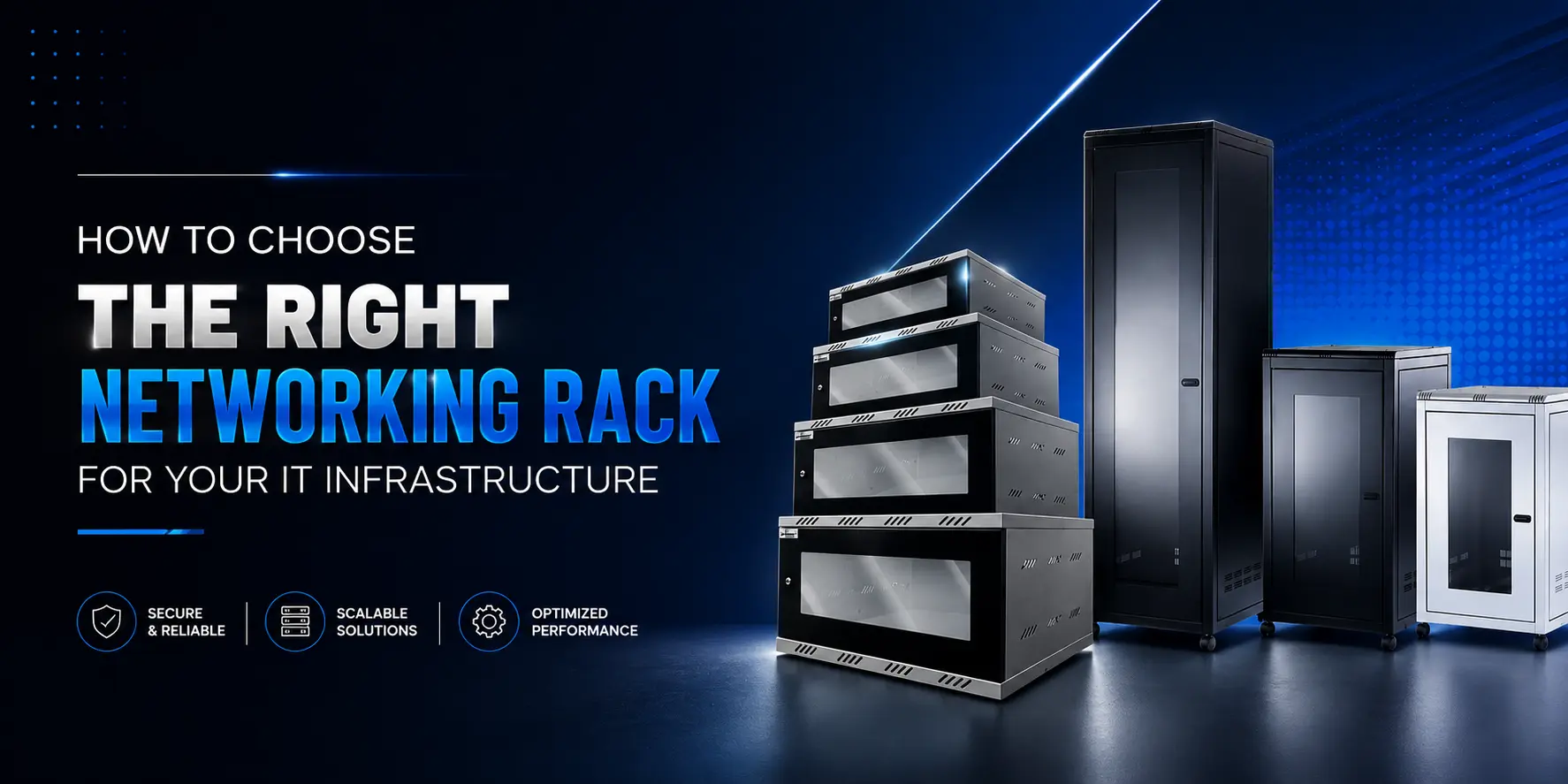
A Networking Rack is much more than a storage cabinet for networking equipment. It is the foundation of an organised, secure, and efficient IT infrastructure. Whether you’re setting up a small office network, expanding a data centre, or managing enterprise-grade connectivity, choosing the right rack plays a crucial role in protecting equipment, improving airflow, simplifying cable management, and supporting future expansion. Many organisations focus only on the rack’s size or price, overlooking important factors such as load capacity, ventilation, security, and scalability. These considerations directly affect the performance and reliability of your network over time. In this guide, we’ll explore the essential factors to consider when selecting a networking rack, helping you make an informed investment that supports both your current and future infrastructure requirements.
Why Does Choosing the Right Networking Rack Matter?
A networking rack is designed to organise and protect essential IT equipment, including switches, patch panels, servers, routers, and other networking devices. Choosing the right rack is not simply about fitting equipment into a cabinet-it directly influences network efficiency, equipment lifespan, and maintenance.
A well-planned rack installation offers several advantages:
- Better equipment organisation
- Improved airflow for cooling
- Easier cable management
- Enhanced physical security
- Simplified maintenance and troubleshooting
- Greater flexibility for future expansion
Investing in the right rack from the outset helps create a structured infrastructure that is easier to manage and more reliable in the long term.
What Should You Consider Before Buying a Networking Rack?
Selecting the right solution begins with understanding your network requirements. Every organisation has different infrastructure needs, so evaluating key factors before making a purchase helps avoid costly upgrades later.
Rack Size (Rack Units)
One of the first considerations is rack size, measured in Rack Units (U). One rack unit (1U) equals 1.75 inches of vertical mounting space.
Common rack sizes include:
| Rack Size | Best Suited For | Typical Equipment |
| 6U | Small office networks | Switches, patch panels, routers |
| 9U | Branch offices and CCTV systems | PoE switches, NVRs, patch panels |
| 12U | Small server rooms | Network switches, firewalls, UPS units |
| 24U | Medium-sized business networks | Multiple switches, servers, cable management |
| 42U | Enterprise data centres | Servers, storage systems, core switches, fibre equipment |
When selecting a rack, consider not only your current equipment but also future expansion. Leaving additional rack space allows your infrastructure to grow without requiring a complete replacement.
Wall-Mounted or Floor-Standing Rack?
The installation location will determine whether a wall-mounted or floor-standing rack is the better option.
| Wall-Mounted Rack | Floor-Standing Rack |
| Suitable for smaller networks | Ideal for larger IT environments |
| Saves floor space | Supports heavier equipment |
| Easy to install | Greater expansion capacity |
| Common in offices and retail locations | Used in server rooms and data centres |
Wall-mounted racks work well where space is limited, while floor-standing racks provide greater flexibility for organisations managing larger volumes of networking equipment.
Load Capacity
Every rack has a maximum weight capacity that should never be overlooked.
Before purchasing, calculate the combined weight of:
- Network switches
- Patch panels
- Servers
- UPS systems
- Cable management accessories
- Future equipment additions
Selecting a rack with sufficient load capacity helps maintain structural stability while reducing stress on mounting hardware.
Ventilation and Cooling
Networking equipment continuously generates heat during operation. Without adequate airflow, temperatures can rise quickly, reducing equipment efficiency and increasing the risk of hardware failure.
Look for racks that include features such as:
- Perforated front and rear doors
- Ventilated side panels
- Fan mounting options
- Sufficient clearance around installed equipment
Proper ventilation improves cooling efficiency and contributes to the long-term reliability of your IT infrastructure.
Cable Management
Poor cable management creates more than an untidy appearance-it makes maintenance difficult, increases troubleshooting time, and can obstruct airflow.
An effective rack should provide space for organised cable routing through features such as:
- Vertical cable managers
- Horizontal cable organisers
- Cable entry points
- Patch panel mounting
- Labelling opportunities
Well-managed cabling improves accessibility while reducing the likelihood of accidental disconnections during maintenance.
For organisations planning structured cabling installations, understanding how patch panels integrate within a rack is equally important. You can also explore our blog, Patch Panel 101: A Beginner’s Guide to Networking Infrastructure, to learn how organised cable management supports efficient network performance.
Security Features
Physical security is often overlooked when selecting networking infrastructure, yet it plays a vital role in protecting valuable equipment and sensitive network connections.
Depending on your environment, consider racks that offer:
- Lockable front doors
- Lockable side panels
- Secure rear access
- Strong steel construction
- Controlled access for authorised personnel only
These features help prevent accidental interference, equipment tampering, and unauthorised access to critical networking hardware.
Plan for Future Growth
Many organisations purchase a networking rack based only on their immediate requirements. However, network infrastructure rarely remains static.
Before making a decision, consider future additions such as:
- Additional switches
- Network storage devices
- New patch panels
- CCTV infrastructure
- Wireless networking equipment
- Fibre networking components
Choosing a rack with room for expansion allows your infrastructure to grow efficiently without the expense of replacing the entire enclosure as your business evolves.
Common Mistakes to Avoid When Choosing a Networking Rack
Selecting the right networking rack is an investment in the long-term performance of your IT infrastructure. However, many businesses make avoidable mistakes that can lead to higher costs and operational challenges.
Buying Based Only on Price
A low-cost rack may seem like a cost-effective choice initially, but it may lack the durability, ventilation, or expansion capacity needed for long-term use. Instead of focusing solely on price, evaluate the rack’s quality, features, and suitability for your network environment.
Choosing the Wrong Rack Size
Selecting a rack that only accommodates your current equipment can become a costly mistake as your network grows. Always allow additional rack space for future upgrades and new hardware.
Ignoring Cooling Requirements
Networking equipment performs best within recommended operating temperatures. Installing equipment in a rack with poor airflow can increase the risk of overheating, reduced performance, and premature hardware failure.
Poor Cable Management Planning
Without proper cable organisation, routine maintenance becomes more difficult, and troubleshooting takes longer. Choosing a rack with built-in cable management features helps keep installations organised and improves overall network reliability.
Overlooking Physical Security
Network equipment often contains critical business data and supports essential operations. A rack with secure locking mechanisms helps prevent unauthorised access and protects valuable hardware from accidental interference.
Where Are Networking Racks Commonly Used?
Networking racks are used across a wide range of industries where organised, secure, and scalable network infrastructure is essential.
Common applications include:
- Corporate offices
- Data centres
- Educational institutions
- Healthcare facilities
- Manufacturing plants
- Retail stores
- CCTV control rooms
- Telecommunications facilities
Regardless of the industry, a properly selected rack helps organise equipment, simplify maintenance, and improve the overall efficiency of the network.
Why Choose AE Connect Networking Racks?
At AE Connect, we understand that reliable network infrastructure begins with high-quality physical organisation. Our networking racks are designed to support modern IT environments while providing the durability and flexibility businesses need as their infrastructure grows.
Key advantages include:
- Durable and robust construction
- Efficient cable management options
- Excellent airflow and ventilation design
- Secure locking mechanisms
- Support for a wide range of networking equipment
- Scalable designs for future expansion
- Suitable for commercial and enterprise environments
Whether you’re building a new server room, upgrading an office network, or expanding an existing installation, AE Connect offers networking solutions designed to support long-term performance and operational efficiency.
Conclusion
Choosing the right Networking Rack is about more than simply housing networking equipment. The right rack improves cable management, enhances cooling, protects valuable hardware, and provides the flexibility needed to support future business growth.
By considering factors such as rack size, installation type, load capacity, ventilation, security, and scalability, organisations can build a structured IT environment that is easier to manage and more reliable over time.
If you’re planning to optimise your network infrastructure, explore AE Connect’s range of Networking Racks designed to deliver dependable performance for businesses of all sizes.
To further improve your structured cabling knowledge, you can also read our blog, Patch Panel 101: A Beginner’s Guide to Networking Infrastructure, which explains how patch panels and networking racks work together to create an organised and efficient network.
Contact AE Connect today to find the right networking solution for your business requirements.
Frequently Asked Questions
What is a networking rack used for?
A networking rack is used to securely organise and support networking equipment such as switches, routers, patch panels, servers, and other IT devices while improving cable management, airflow, and equipment accessibility.
How do I choose the right networking rack size?
Choose a rack based on your current equipment requirements while leaving additional rack units (U) for future expansion. This helps avoid replacing the rack as your network grows.
What is the difference between a wall-mounted and floor-standing networking rack?
Wall-mounted racks are ideal for smaller installations where space is limited, while floor-standing racks provide higher load capacity and are better suited for server rooms, data centres, and larger network deployments.
Do networking racks improve cooling?
Yes. Racks with ventilated doors, airflow management, and optional cooling accessories help dissipate heat, improving equipment performance and extending hardware lifespan.
Are networking racks suitable for small businesses?
Absolutely. Small businesses can benefit from compact wall-mounted racks that organise networking equipment, improve cable management, and allow room for future growth.
What equipment can be installed in a networking rack?
Networking racks can accommodate a wide range of equipment, including network switches, patch panels, routers, firewalls, servers, UPS systems, fibre equipment, and cable management accessories.