
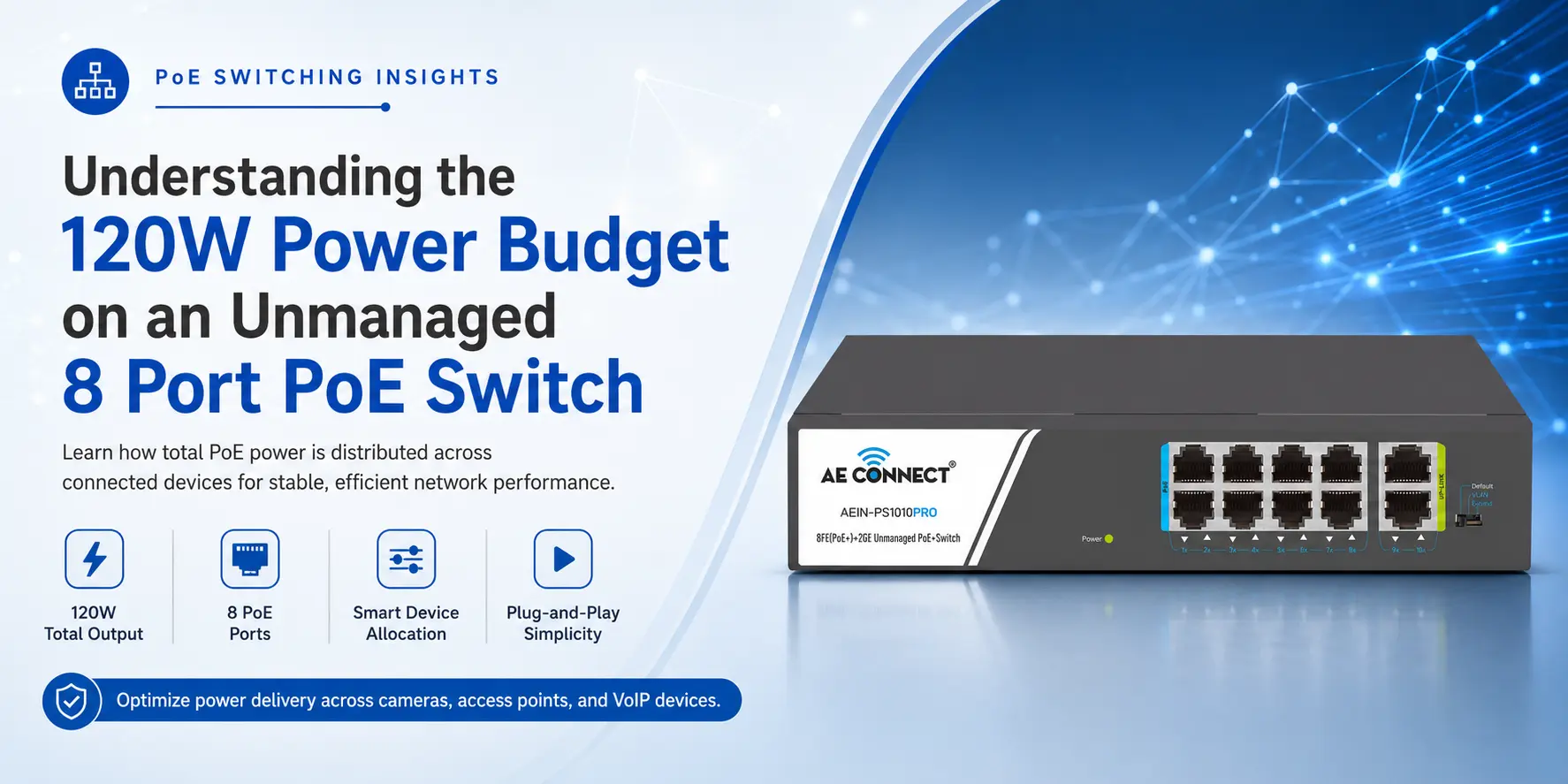
Setting up a small office or home security system often starts with a simple count of devices. You buy an 8 Port PoE Switch expecting it to handle eight devices effortlessly, only to face mysterious reboots later. The culprit often lies in a single, overlooked specification: the ‘Total Power Budget.’ For businesses, this is the difference between seamless uptime and costly maintenance calls.
For many popular models from AE Connect, such as the AEIN-PS1010PRO or the AE-PS8082GU, this budget is often set at 120W. Understanding how this wattage is distributed is the difference between a stable network and one that randomly reboots at midnight.
What Exactly is a PoE Power Budget?
A PoE power budget refers to the maximum wattage a switch can deliver across all active ports simultaneously. This limit is determined by the internal power supply and must accommodate every connected Powered Device (PD). While each port might be capable of delivering up to 30W (under the IEEE 802.3at standard), the switch itself has a maximum limit.
Think of it like a power strip in your house. Just because it has six sockets doesn’t mean you can plug in six heavy-duty air conditioners. The main circuit has a limit, and so does your 8 Port PoE Switch.
How to Calculate PoE Power Budget for IP Cameras: A Real-World Guide
A 120W budget on an 8 Port PoE Switch is quite generous for most small to medium setups. But how does the math work in a real-world scenario?
Most modern devices fall into different power classes:
- IP Telephones: Usually consume 3W to 7W.
- Static IP Cameras: Typically need 5W to 10W.
- Wireless Access Points (APs): Often require 12W to 20W.
- PTZ (Pan-Tilt-Zoom) Cameras: Can pull up to 25W or 30W, especially when using heaters or night vision.
Real-World Allocation Table
If you are using a high-quality 8 Port PoE Switch from AE Connect with a 120W budget, your setup might look like this:
| Device Type | Number of Devices | Avg. Power Consumption | Total Consumption |
| IP Security Cameras | 4 | 8W | 32W |
| VoIP Phones | 2 | 5W | 10W |
| Wi-Fi 6 Access Point | 1 | 18W | 18W |
| Total Used | 7 Devices | — | 60W |
In this scenario, you are utilizing only 50% of your 120W capacity. This is considered a best practice in Indian small business networking because it leaves ample “headroom” for expansion or peak power demands.
The Importance of Headroom and the 20% Rule
Industry experts often suggest the 20% headroom rule for PoE networking. This means you should try not to exceed 80% of your total power budget. For a 120W 8 Port PoE Switch, 80% is 96W.
Why leave this gap?
- Boot-up Spikes: When devices first turn on, they often pull more power than their idle state.
- Night Vision: Infrared LEDs on security cameras kick in at night, significantly increasing power draw.
- Cable Loss: Power is lost as heat through the Ethernet cable, especially over long distances.
- Longevity: Running a switch at 100% capacity constantly can lead to overheating and a shorter lifespan for the hardware.
Reliability Features in an AE Connect Unmanaged PoE Switch
AE Connect designs their unmanaged switches to be “plug-and-play” but with hidden intelligence. Even without a management interface, these switches often include:
- AI Detect and Reboot: If a camera hangs, the switch detects the lack of data traffic and automatically power-cycles that specific port.
- Port Priority: If the budget is exceeded, the switch will prioritize lower-numbered ports, ensuring your most critical devices (like a main gateway or server-facing camera) stay online while the least important one is dropped.
- 6KV Surge Protection: Essential for Indian conditions where power fluctuations are common, protecting your 120W investment from lightning strikes and surges.
Choosing Your 8 Port PoE Switch
When browsing the AE Connect catalogue, you will find different variations of the 8 Port PoE Switch.
- Fast Ethernet (10/100 Mbps): Great for standard IP cameras and VoIP.
- Gigabit (10/100/1000 Mbps): Best for high-speed Wi-Fi Access Points and heavy data transfers.
Regardless of the data speed, checking the wattage is non-negotiable. If your deployment involves eight high-power PTZ cameras, you might need a managed PoE Switch with a higher power profile. For most Indian SMEs, a 120W 8 Port PoE Switch from AE Connect provides the perfect balance of robust performance and investment protection. Explore our full range of Gigabit and Fast Ethernet solutions to find the right fit for your network architecture.
Frequently Asked Questions (FAQs)
1. Can I use all 8 ports if the total power exceeds 120W?
No. If the total power draw exceeds 120W, the switch will stop providing power to the last connected device or the lowest priority port to prevent the system from crashing.
2. Does a 120W budget mean the switch always consumes 120W of electricity?
No. The switch only pulls as much power from the wall as it needs to run itself and the connected devices. If your devices only need 40W, the switch will consume roughly 45W to 50W (including its internal operations).
3. What happens if I plug a non-PoE device into an 8 Port PoE Switch?
AE Connect switches feature “Auto-sensing” technology. The switch will check if the device needs power. If it doesn’t (like a laptop or a standard printer), the switch will only send data and zero electricity, keeping your device safe.
4. Is 120W enough for 8 CCTV cameras?
Yes, for standard fixed-lens cameras, 120W is more than enough. Most fixed cameras use 5W to 9W, so eight cameras would total around 72W, well within the safe limits of the budget.